 Luma
Record your period
Enter the start date and optionally add its duration. Notes help you look back at your history.
Record your period, note how you feel, and keep your cycle in view.
Discover LumaAlready using Luma? Open calendar
First open the Luma app already installed on your device. A new browser window can store a separate calendar. Keep your existing app and its data. Connect other devices with the same personal code.
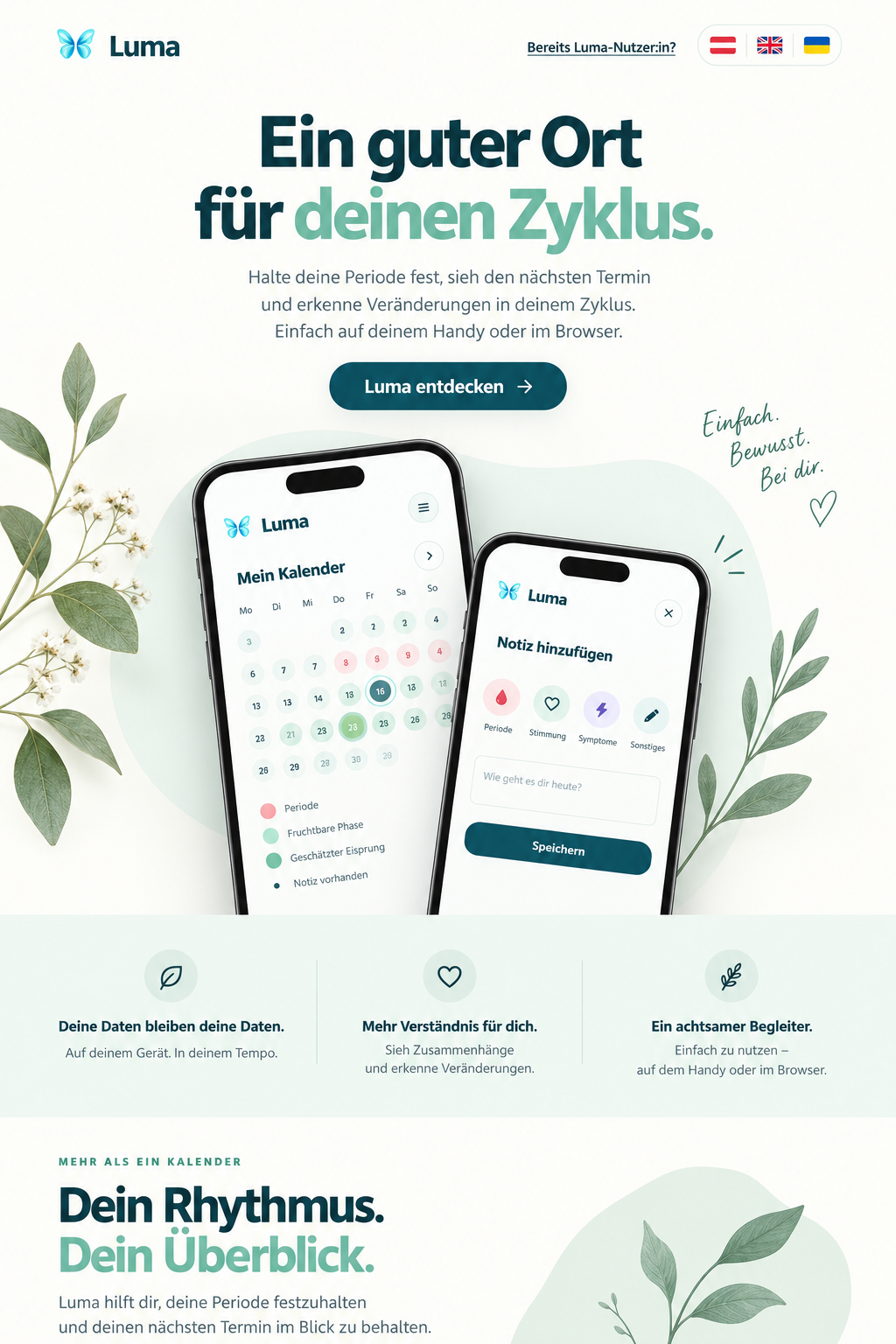
The preview shows fictional example data. Your calendar starts empty.
 Easy to recordKeep track of periods, mood and notes.
 Private and connectedConnect your own devices with your personal code.
 On your deviceUse Luma in your browser or as an installed app.
A calendar that fits your needs, with a clear overview and room for your notes.
Enter the start date and optionally add its duration. Notes help you look back at your history.
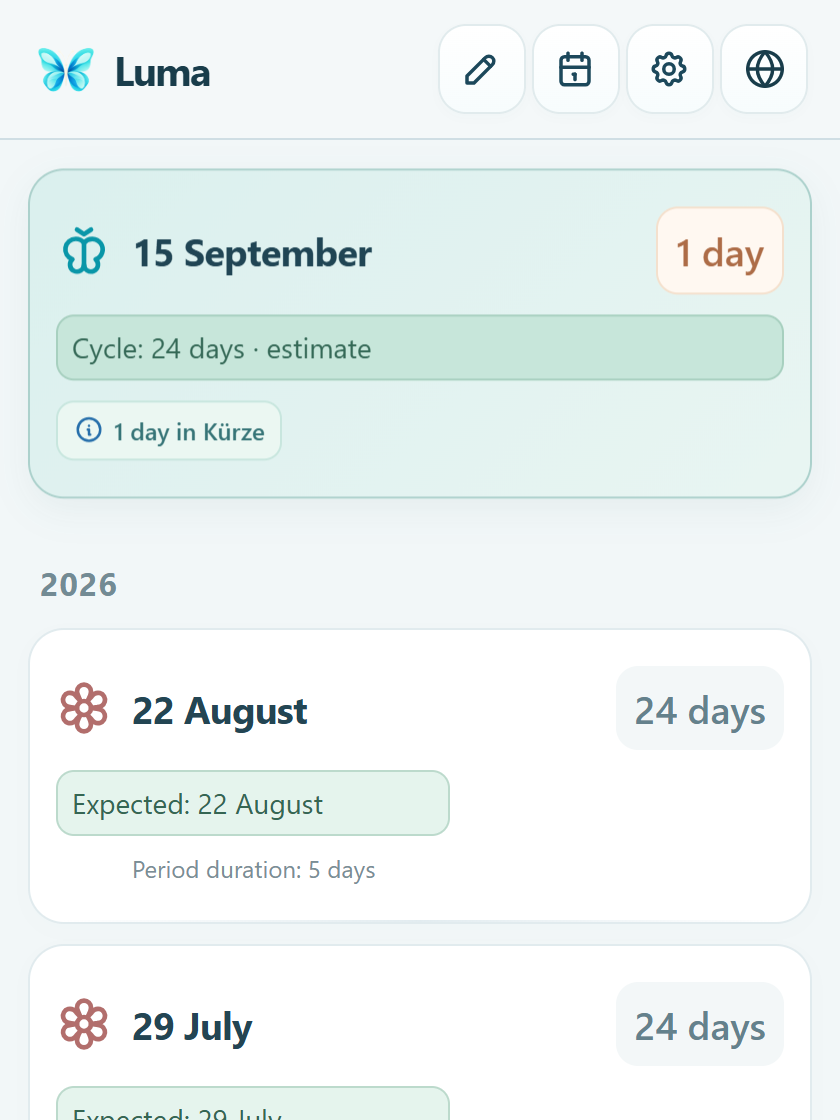
Luma estimates from your previous cycle intervals. Without a history, the calculation starts with 24 days; you can change this setting.
The expected date and the difference appear side by side. Blue means an earlier start, purple a later one. A clock icon marks an overdue date.
Create a backup file and restore it on another device. In the web calendar, you can also connect your own devices with a personal code and encrypted sync.
Connect devices with a personal code. Data is encrypted before transfer. Keeping a separate backup file remains important.
Enable daily reminders starting ten days before the estimated date and notices about new versions. On iPhone, open the installed web app and allow notifications.
Use the free basics today. LITE and PRO are planned as optional additions – choose what suits you when they launch.
A simple view of your cycle.
Free basicsMore room for how you feel each day.
Price to followper monthPrice placeholder · not available to purchaseUnderstand your history better.
Price to followper monthPrice placeholder · not available to purchaseLITE and PRO are not available yet. Prices, availability and final features will be announced before launch. No subscription can be purchased here.
The calendar shows the current app. The other images illustrate planned features and may change before launch. All data is fictional.
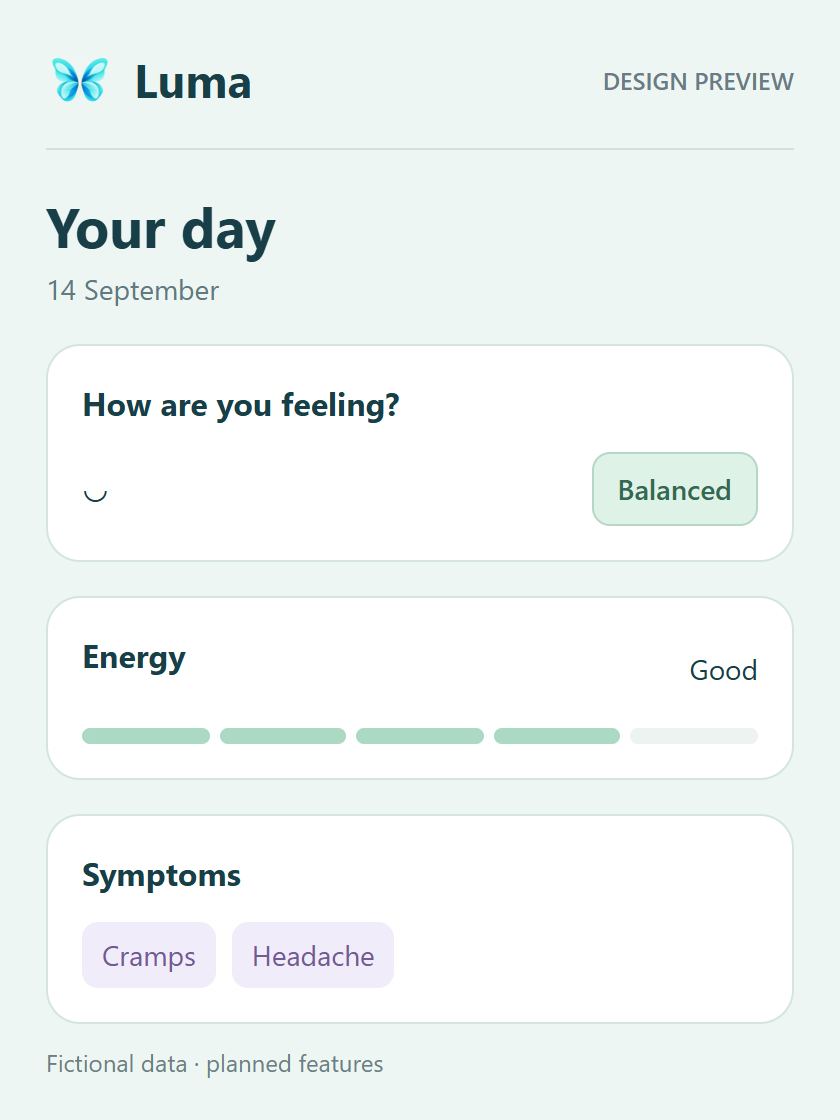
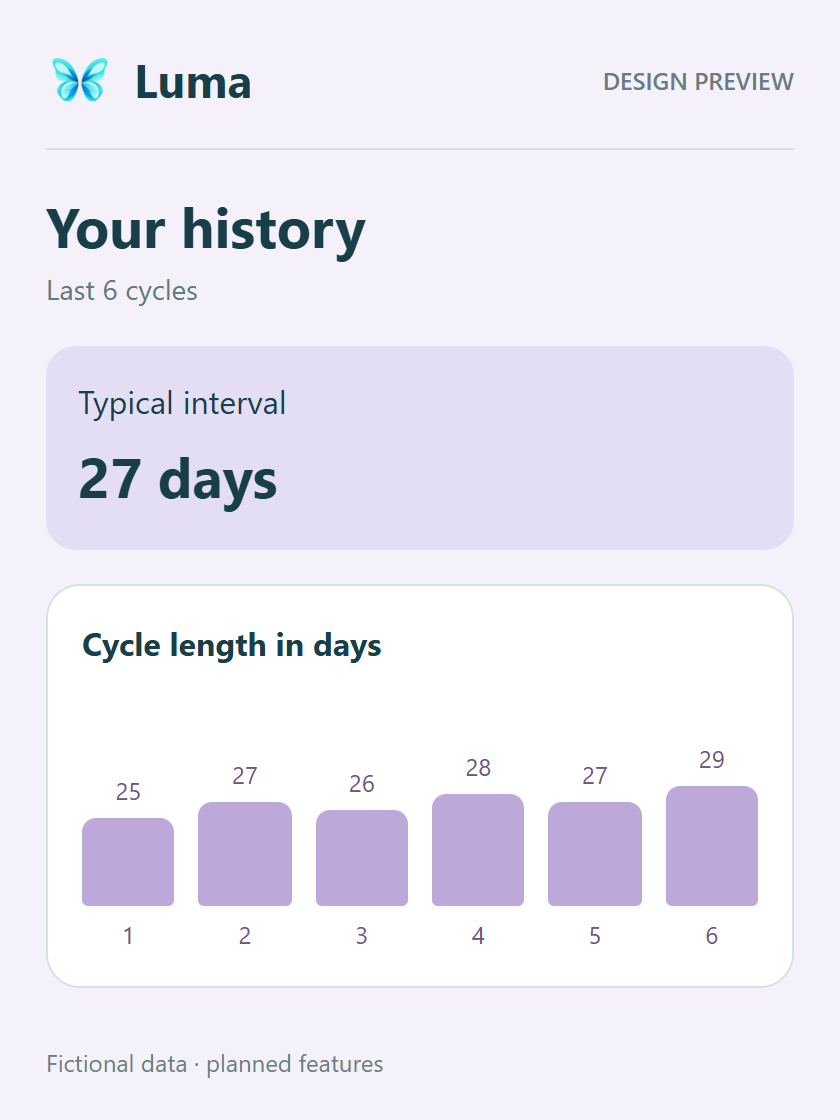
LITE and PRO describe planned additions. Estimates are not diagnoses.
✓ Available in FREE◷ Planned additional feature— Not planned
| Feature | FREE Available now | LITE Planned | PRO Planned |
|---|---|---|---|
| Calendar, predictions & notes | ✓ | ✓ | ✓ |
| Backup & device connection | ✓ | ✓ | ✓ |
| Reminders & update notices | ✓ | ✓ | ✓ |
| Selected symptoms & mood | ✓ | ✓ | ✓ |
| Energy, bleeding intensity & pain details | — | ◷ | ◷ |
| PMS & monthly summaries | — | ◷ | ◷ |
| Temperature & ovulation tests | — | — | ◷ |
| Patterns & Health connections | — | — | ◷ |
| “Ask Luma” · planned for later | — | — | ◷ |
Use Luma as an Android app, an iPhone web app or directly in your browser.
Android 8 or later
Download Android app 1.77Open Android web appSigned Android app for lumarini.com. Install it as an update over an existing Luma app; do not uninstall that app first. You can also use the web app.
 Google PlayNot yet available in the store
Web app using Safari
Open calendar in SafariThen start Luma using the new icon. Load the calendar once with internet until Settings shows “Ready for offline use”.
Apple guide ↗ App StoreNot yet available in the store
Phone, tablet or computer
Open calendarOpen your complete calendar without downloading anything. Saved entries remain in the browser you use.
All public downloads start without personal data. Your existing entries on this device are not reset. Entries initially belong to the browser or app where you made them. Connect other devices with the same personal code; do not uninstall an existing app to switch.
Downloads and reported first launches, clearly explained.
The previous domain’s totals were transferred once to the new server on 2 October 2026. New reports with consent are counted separately.
Previous download requests on the old domain; not an installation count.
First reported launches from the app icon on the Home Screen.
Browsers and installed web apps that first opened the calendar with counting enabled. Both count once together when they share browser storage.
Loading figures …
Counting begins on the date shown. Earlier downloads are not included; existing apps count on their first reported launch after that date. Reopening in the same storage does not count again for iPhone or web. Cleared storage, reinstallations and different browsers can count again. Offline use and disabled counting may be missing. These are not verified numbers of people or currently installed apps.
Statistics are optional and off by default. Make your choice in calendar settings. Open calendar
These are not verified numbers of people or installed apps. Website visits are not counted. Earlier and newer optional totals are separate; offline use may be missing.
An installation never includes another person’s period entries. You can import a backup into Luma to bring your own history.
Export a backup file from Settings in your previous calendar.
Open the new calendar and select your backup file using the restore option in Settings.
Set up sync in the web calendar and use the same personal code on your other devices. Keep it private.
The browser and Android app may use separate storage. A backup helps when switching. Also create a copy before major updates.
Yes. “Open calendar” takes you straight to the web app. A new installation contains no other person’s entries.
Without known cycle intervals, Luma uses the adjustable cycle length, initially 24 days. With a history, Luma uses the median of the latest up to six intervals between period starts. The date remains an estimate.
Your entries are initially stored on your device, in the browser or app you use. The web calendar offers encrypted sync using personal codes. Only someone with your code can open the connected data.
Yes, normal updates preserve your saved entries. You confirm new app versions in the calendar or Android update dialog. A backup is recommended before major updates. Do not uninstall or clear browser data.
In the Android app, allow notifications and enable daily reminders starting ten days before the estimated date. They are scheduled on your device. Android may delay them in battery saving mode. You can also enable new version notifications. On iPhone, use the installed web app and allow notifications. Supported browsers can also receive notifications.
Yes. Signed version 1.77 is available for lumarini.com. Install it over the existing Luma app without uninstalling first so local entries remain. The Android web app is available too.
Open Luma and start with your own entries.